




 asdar.id menyediakan Member Premium Download untuk download file tanpa embel-embel iklan dan halaman, apa lagi harus menunggu timer yang begitu lama. Dengan berlangganan Member Premium Download, semua file dapat didownload dengan singkat langsung menuju ke sumbernya!, klik DISINI untuk DAFTAR atau DISINI untuk LOGIN :-) Jika ada pertanyaan silahkan hubungi Admin DISINI. Untuk cara download file Member Free Download, bisa membaca Tutorial Download yang ada dibawah Timer (halaman Safelink) saat menekan tombol download.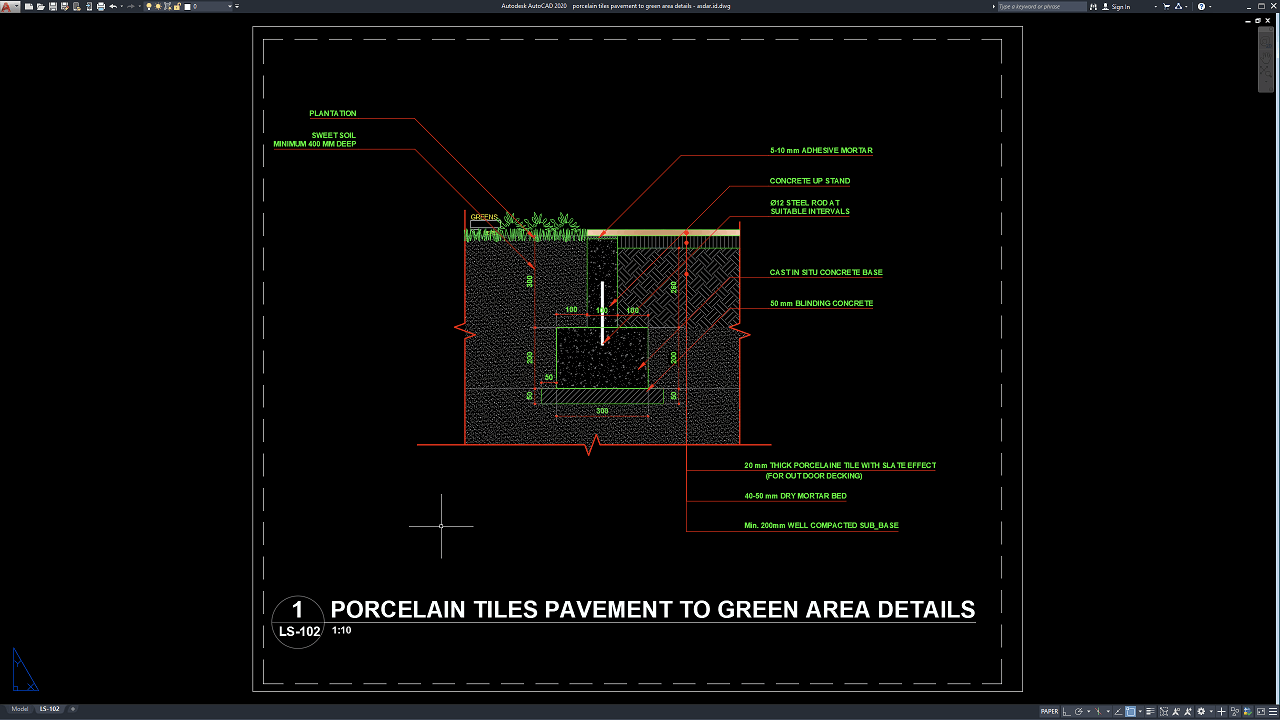
Porcelain tile pavements and green landscape areas are widely used in modern architectural and landscape design projects to create attractive, functional, and sustainable outdoor environments. Proper detailing between hardscape and softscape elements is essential to ensure smooth transitions, structural stability, effective drainage, and long-term landscape performance.
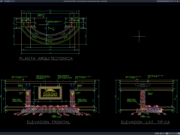
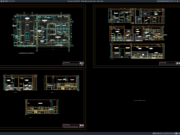
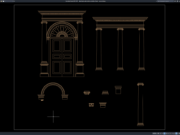
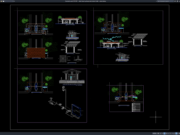
In this article, we share a reference for Porcelain Tiles Pavement to Green Area Details DWG AutoCAD that can be used by landscape architects, architects, engineers, contractors, students, and construction professionals as a technical drawing reference for landscape and site development projects.
What Are Porcelain Tiles Pavement to Green Area Details?
Porcelain tiles pavement to green area details are technical drawings that illustrate the construction methods, material arrangements, dimensions, and transition systems between paved surfaces and landscaped planting areas.
These drawings typically include pavement layers, edging systems, planting beds, drainage components, soil profiles, root barriers, sub-base materials, and construction sections.
The purpose of these details is to ensure a durable connection between paved walkways and green areas while maintaining aesthetic quality and proper site functionality.
These construction details are commonly used in parks, plazas, resorts, commercial developments, residential landscapes, educational facilities, and public open spaces.
Importance of Proper Hardscape and Landscape Integration
Proper integration between pavement and landscape areas is essential for creating safe, visually appealing, and sustainable outdoor environments. Designers must consider material selection, drainage performance, soil conditions, plant health, edge restraints, expansion joints, and long-term maintenance requirements during the planning process.
Well-designed transitions between porcelain pavements and green areas help prevent soil erosion, pavement settlement, vegetation damage, and drainage problems.
Modern landscape projects also emphasize sustainable design principles that balance aesthetics, functionality, and environmental performance.
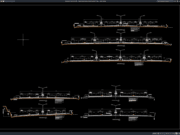
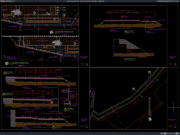
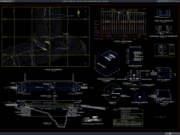
Download Porcelain Tiles Pavement to Green Area Details DWG AutoCAD
Proper porcelain pavement and landscape green area design are essential to ensure long-term durability, aesthetic harmony, efficient drainage, and healthy plant growth in landscape architecture projects. Engineers and designers must consider pavement materials, planting bed dimensions, soil depth requirements, concrete edge restraints, drainage systems, sub-base preparation, structural support elements, and material transitions during the design process.
Detailed drawings such as construction sections, pavement buildup layers, planting area details, edge restraint systems, material specifications, and installation details are very important to help contractors, landscape architects, and construction teams accurately understand the design during project implementation. Incorrect planning or incomplete construction drawings can lead to pavement settlement, soil erosion, poor drainage performance, vegetation deterioration, or increased maintenance costs. Therefore, accurate technical drawings and proper engineering coordination are essential to ensure the long-term functionality, structural stability, visual quality, and reliability of porcelain pavement and landscape green area systems.
Detailed AutoCAD DWG files also allow landscape architects, engineers, and contractors to modify and adapt the pavement and green area details according to project specifications, material requirements, landscape design standards, and construction conditions. The drawing file shared in this article is available in DWG AutoCAD format and can be used as a reference for porcelain tile pavement, planting areas, edging systems, drainage, and landscape construction projects. This file is compatible with various AutoCAD versions and can be edited according to your project requirements, site conditions, and technical standards.
For those of you who prefer a simpler and faster download experience on asdar.id, I also provide a Premium Member Download service that allows direct access to the original file. This way, you will not be disturbed by excessive advertisements or multiple redirect pages during the download process. If you are interested, please register HERE. Please download the Porcelain Tiles Pavement to Green Area Details DWG AutoCAD file below:
Porcelain Tiles Pavement to Green Area Details DWG AutoCAD
| Google Drive | DOWNLOAD[344.15KB] |
| Mediafire | DOWNLOAD[344.15KB] |
Rar password: www.asdar.id
Important Note: If you encounter a problem where the WinRAR file cannot be extracted or appears corrupted, the solution is to update the WinRAR application on your computer to the latest version. Download the latest version of WinRAR here.
If you would like to copy this article, please include the original source because I have seen some blogs repost the content without providing proper credit. Otherwise, please rewrite it using your own words. Respect and appreciate the work and effort of others.
The Porcelain Tiles Pavement to Green Area Details DWG AutoCAD file can be a valuable reference for landscape architects, architects, engineers, students, drafters, contractors, and construction professionals involved in landscape and site development projects. With complete pavement details, planting area sections, edging systems, and construction drawings, this DWG file can help improve drafting quality, construction accuracy, and project efficiency. Feel free to share this article with colleagues or friends who may need landscape construction drawing references for their projects. Hopefully, this reference will be useful for your next landscape architecture and outdoor development project!
For those of you who are searching for Porcelain Tiles Pavement to Green Area Details working drawing references, DWG AutoCAD files can be an excellent solution for simplifying the drafting process and supporting landscape architecture, urban design, and site development projects. Detailed pavement and green area drawings are essential for ensuring accurate construction planning, proper planting bed design, durable porcelain tile installation, effective drainage systems, and seamless transitions between hardscape and softscape elements. If you are looking for AutoCAD files for project requirements or landscape design learning purposes, asdar.id remains one of the leading websites providing a wide collection of DWG files for landscape architecture, paving construction, planting area details, site development, and construction-related projects.